Adding a minimal voice agent
Follow these steps to add a minimal agent to your application. In this guide we will use the plug and play Ponder widget that will appear in the bottom right corner of the screen1
Step 1: Create an assistant
Login and create an assistant on the Ponder dashboardChoose the language model and voice for the assistant and provide the instructions for the assistant in the system prompt.
Alternatively, you can automatically generate a test system prompt by entering your website
Alternatively, you can automatically generate a test system prompt by entering your website
2
Step 2: Installation
Install the ponder react SDK
3
Step 3: Add PonderProvider
Add the PonderProvider to your _app.js and add the assistantId that you created on the dashboardHurray! 🎉 The Ponder widget will now be available in the bottom right corner of the screen that you can talk to!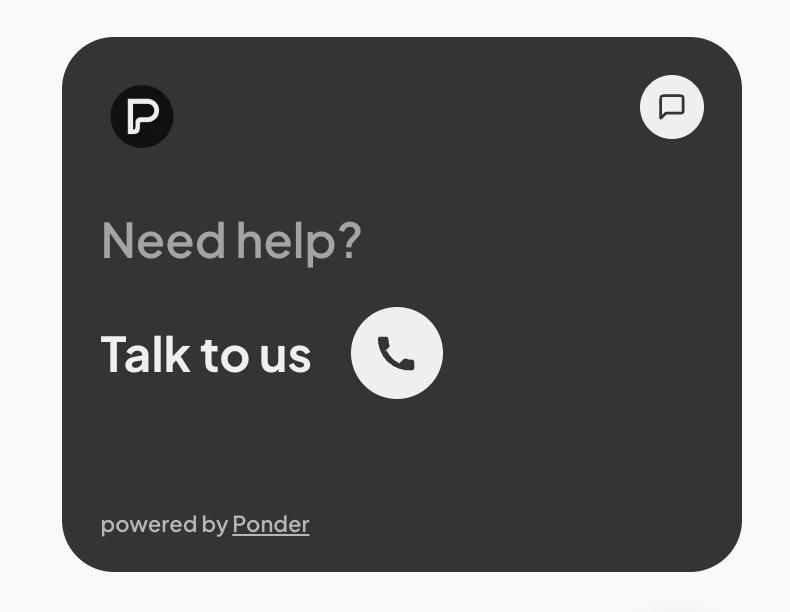
4
Step 4: Adding actions
Use the usePonder hook anywhere in your application to dynamically set actions and instructions for the assistant.
For example:This is a minimal example, you can pass any javascript function as an action!
Make sure to name the function intuitively and provide good descriptions - don’t hesitate to provide long instructions if need be.
Checkout the API Reference page for indepth information and all available options
For example:
Make sure to name the function intuitively and provide good descriptions - don’t hesitate to provide long instructions if need be.
Checkout the API Reference page for indepth information and all available options